
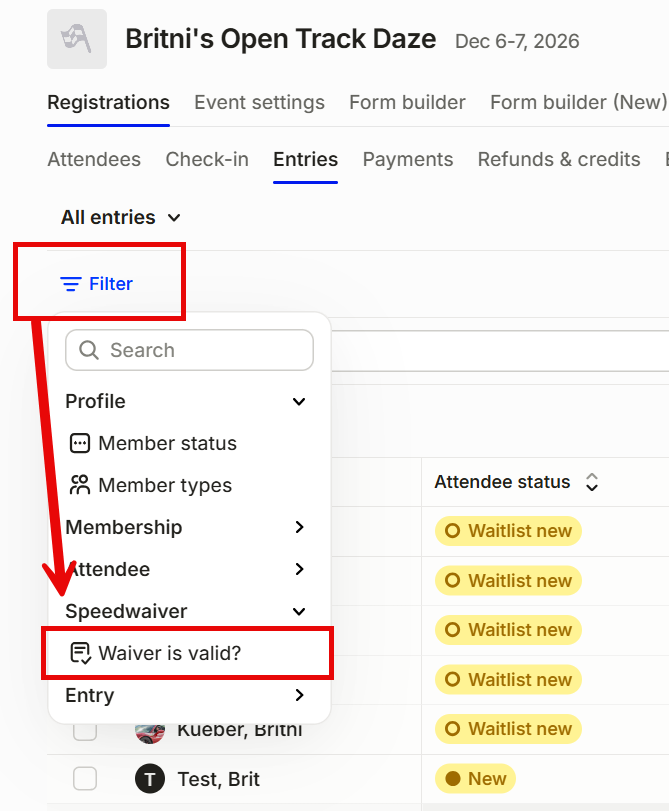
From the organizer dashboard, go to Events > Registrations > Entries tab,
Click Filter (left) then click SpeedWaiver then Waiver is Valid, choose Yes, No or both by clicking on check boxes. This pulls in the waivers:
Edit columns (right) then click on SpeedWaiver drop down to choose from list of options then check accordingly:
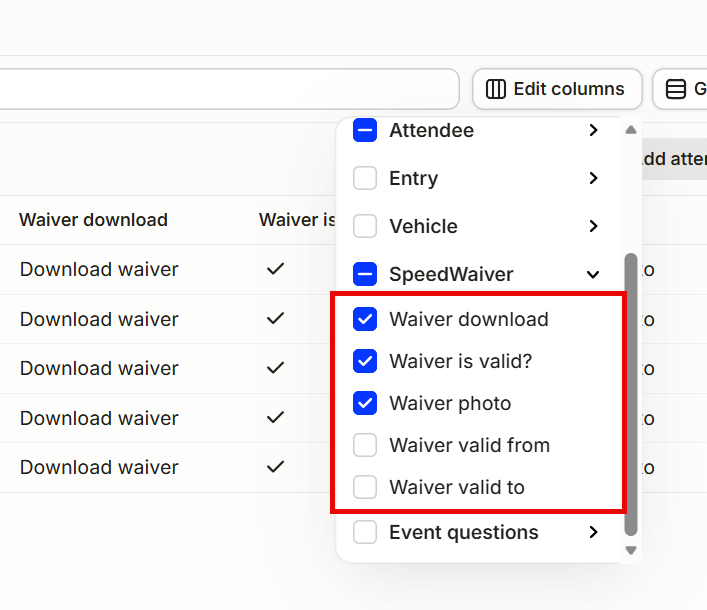
That will pull in the entry list with waivers for you to save, download or export.
Contact us at support@motorsportreg.com with any questions.